
Developmental Screening
The Developmental Screening feature in Healthbridge Clinical provides specialized workflows for pediatricians and GPs to monitor childhood development. It allows practitioners to track vital milestones from birth through to age 5–6 years, ensuring clinical alignment with standards like the WHO growth charts and the "Road to Health" assessment criteria.
Step 1: Open the Patient File
- Launch Healthbridge Clinical and search for the pediatric patient using the Search Bar, Calendar, or Waiting Room.
- The system intuitively displays the age of children in both years and months to support precise assessments.
Step 2: Access and Activate the Screening
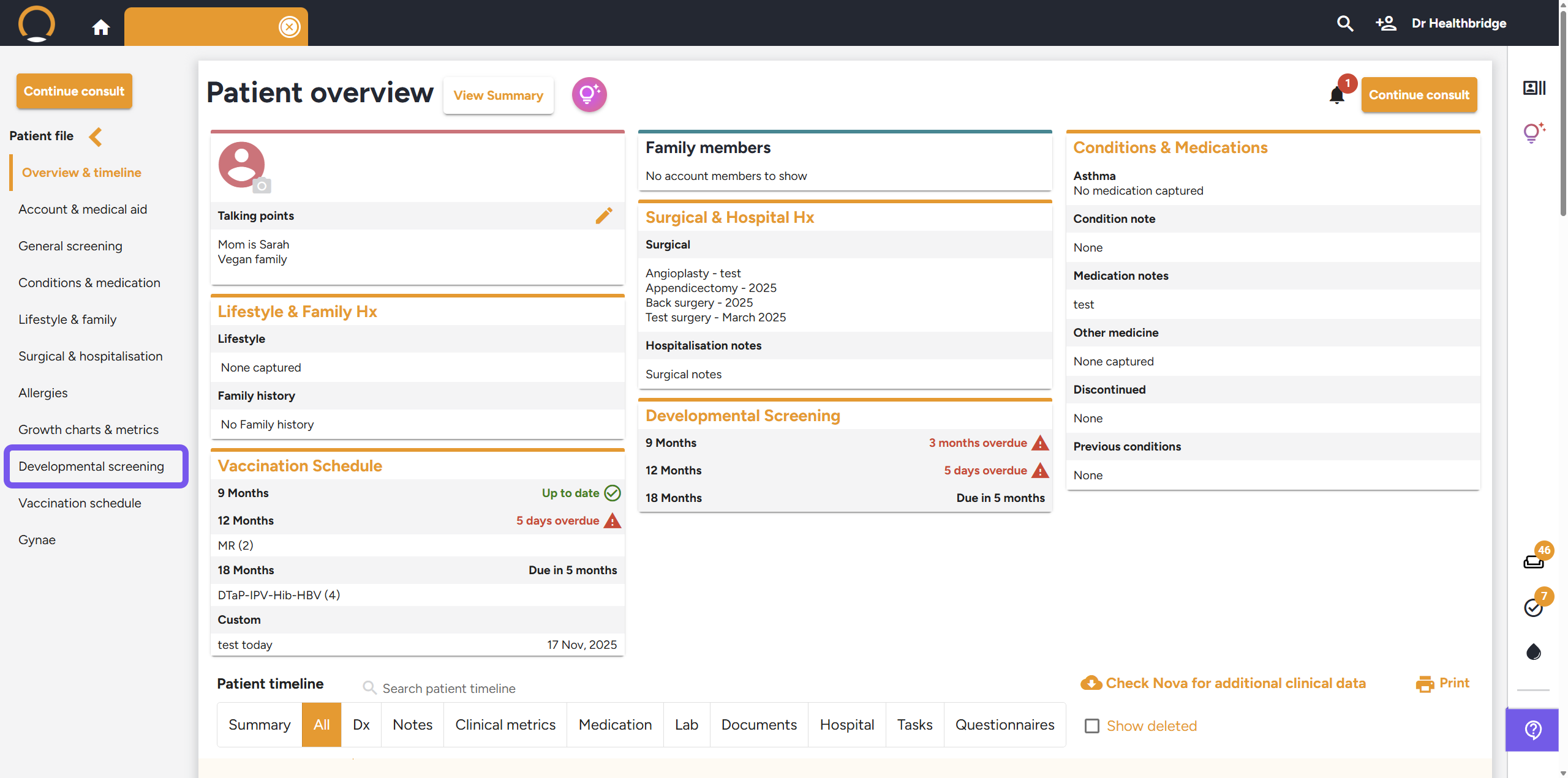
- Locate the Developmental screening option in the left-hand menu of the patient file.
- Milestones are categorized by age, ranging from Birth up to 5-6 years.
Step 3: Recording Milestone Progress
- The screening tool provides flexible ways to document a child's progress:
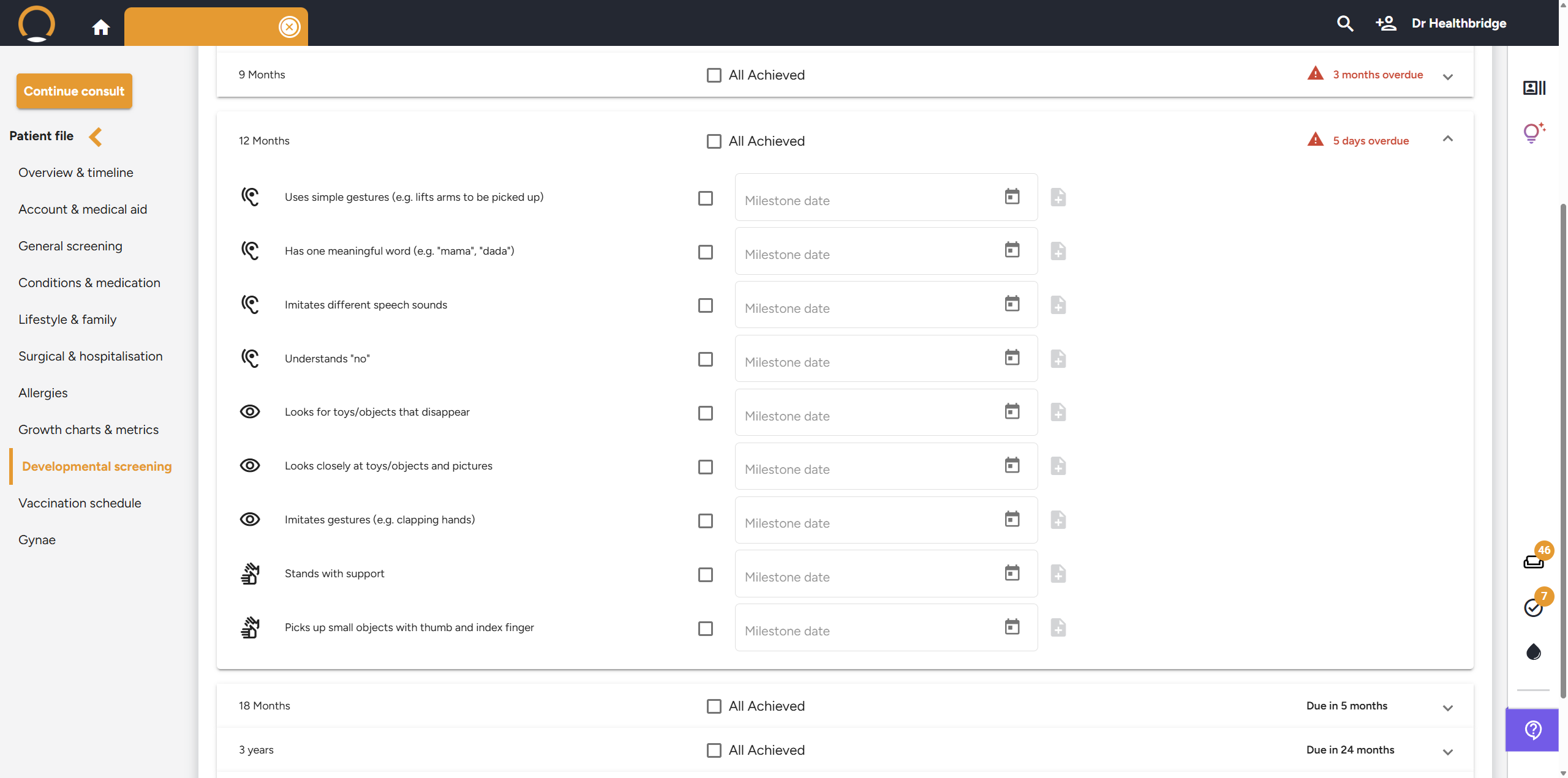
- Quick "All Achieved" Update: If a child has met all criteria for a specific age milestone, click the "All Achieved" checkbox to instantly mark that section as Complete.
- Detailed Milestone Tracking: Expand any age category (e.g., 6 Months, 12 Months, or 18 Months) to view and mark specific criteria, such as:
- 6 Months: "Laughs aloud" or "Recognises familiar faces".
- 12 Months: "Understands 'no'" or "Stands with support".
- 18 Months: "Walks alone" or "Uses fingers to feed".
Setting Dates and Notes: You can record the specific Milestone date for each achievement and add clinical notes for further detail.
Step 4: Managing Overdue Assessments
- The system includes visual alerts to ensure no milestones are missed.
- A red warning icon (⚠️) will indicate if an assessment is overdue (e.g., "3 months overdue") based on the patient's age.
- Upcoming milestones will show a status like "Due in 5 months".

Step 5: Add Custom Milestones
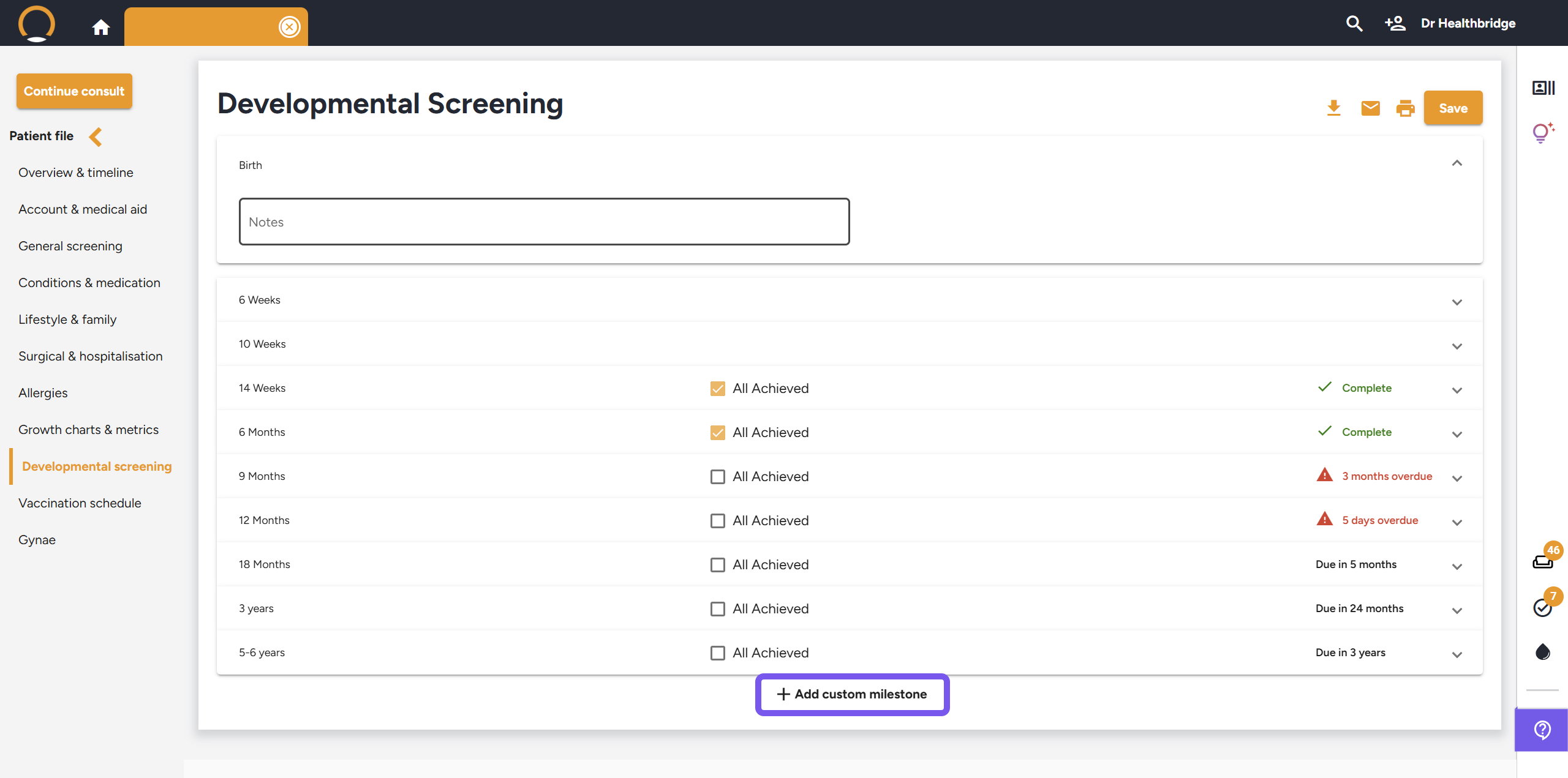
- To capture unique developmental goals, click the + Add custom milestone button at the bottom of the screen.
Step 6: Finalize and Export
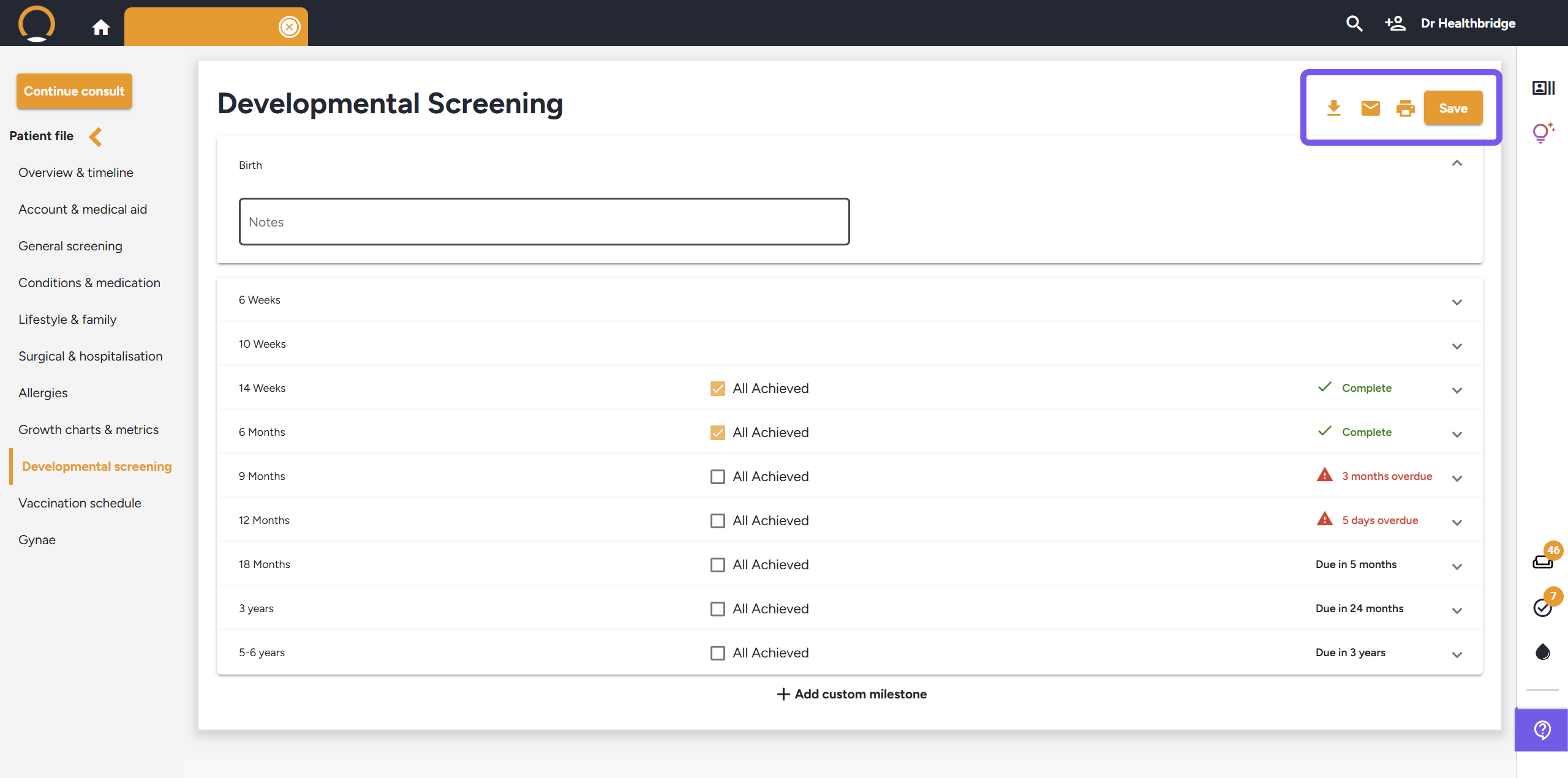
- Click Save in the top-right corner to attach the data to the Patient Timeline.
- Share findings: Use the icons at the top-right to Download, Email, or Print the developmental summary for parents or hospital records.
Key Benefits for Your Practice
- Pediatric-First Design: Displays age in months and years, ensuring accuracy for early childhood assessments.
- Automated Tracking: Real-time calculation of "Due" and "Overdue" milestones prevents care gaps.
- Customized Documentation: Easily convert clinical observations into professional summaries using the AI Assistant for "Summary of Evaluation" documents.
- Continuity of Care: All data is securely stored in the timeline, allowing for historical comparison as the child grows.